


Here are copy-ready owner communication templates for booking confirmations, check-in and check-out, maintenance, cleaning handoffs, and owner coordination, plus quick rules to customize and automate them. Owners, managers, co-hosts, cleaners, and vendors can pull any message below and adapt it in minutes. Keep reading for the timing rules and safeguards that make these templates work in the real world.
TL;DR:
- Automated messages like booking confirmations and check-in instructions should be reviewed regularly to prevent errors caused by outdated templates or incorrect property IDs.
- Critical communications involving refunds, damages, or disputes require manual review to avoid escalation, as automated replies can worsen small issues.
- Including legal language that restricts honest guest reviews is unenforceable and can expose owners to liability; transparency is essential.
- Maintaining dated photos and video records of property condition before and after each stay helps support damage claims and legal protection.
- Consistent owner updates and clear, protocol-driven communication safeguard trust and ensure compliance with industry standards.
Table of Contents
- Ready-to-use templates by category
- How to customize templates and set automation rules
- Operational rules and legal cautions for owner messages
- A note from Emerald Coast By Owner on getting this right
- What most owners get wrong about templates
- List directly and keep the conversation with your guests
- Sources
- FAQ
Ready-to-use templates by category
Every vacation rental communication falls into a handful of buckets, and each one has its own tone and required fields. Use the placeholders below (like {GuestName} or {CheckInTime}) as drop-in fields for your booking software or a simple mail merge.
- Booking confirmation: “Hi {GuestName}, your stay at {PropertyAddress} is confirmed for {CheckInDate} to {CheckOutDate}. Your total is {TotalAmount}, and full details are attached.”
- Pre-arrival: “Hi {GuestName}, we’re looking forward to hosting you at {PropertyName} in {daysUntilArrival} days. Check-in begins at {CheckInTime}, and directions are attached.”
- Self-check-in instructions: “Your door code is {Code}, active from {CheckInTime} on {CheckInDate}. If the code doesn’t work, call {EmergencyContact}.”
- Welcome message: “Welcome, {GuestName}! Wi-Fi network is {WifiName}, password {WifiPassword}. House rules are linked here: {HouseRulesLink}.”
- Mid-stay check-in: “Hi {GuestName}, just checking that everything at {PropertyName} is comfortable. Reply here anytime if you need anything.”
- Maintenance or issue report: “We’ve received your note about {IssueDescription} at {PropertyAddress}. A technician is scheduled for {RepairWindow}.”
- Check-out and checklist: “Check-out is {CheckOutTime} on {CheckOutDate}. Please start the dishwasher, take out trash, and lock the door behind you.”
- Review request: “Thanks for staying at {PropertyName}, {GuestName}. If you have a minute, we’d love an honest review of your visit.”
- Cleaner or turn instructions: “Turn for {PropertyAddress} is scheduled for {TurnDate}. Guest checked out at {CheckOutTime}, next guest arrives {NextArrival}.”
- Owner or co-host handoff: “Update on {PropertyName}: {IssueSummary}. Action needed by {Deadline}, or confirming resolved as of {Date}.”
Keep the tone warm and direct rather than stiff. Guests respond better to plain language than to formal notices, and staff need fields they can scan in seconds, not paragraphs to parse.
| Category | When to send | Essential placeholders |
|---|---|---|
| Booking confirmation | Immediately after booking | GuestName, PropertyAddress, Dates, TotalAmount |
| Pre-arrival | 3 to 7 days before arrival | GuestName, PropertyName, CheckInTime, Directions |
| Self-check-in instructions | Day of check-in | Code, CheckInTime, EmergencyContact |
| Welcome message | At or just after check-in | WifiName, WifiPassword, HouseRulesLink |
| Mid-stay check-in | Midpoint of longer stays | GuestName, PropertyName |
| Maintenance report | Same day issue is reported | IssueDescription, RepairWindow |
| Check-out checklist | Morning of check-out day | CheckOutTime, PropertyAddress |
| Review request | 24 to 48 hours post-checkout | GuestName, PropertyName |
| Cleaner turn instructions | Immediately after check-out | TurnDate, NextArrival |
| Owner or co-host handoff | As issues arise | IssueSummary, Deadline |
How to customize templates and set automation rules
A template only works if the right fields are filled in and the message lands at the right moment. Before you send anything, run through this checklist:
- Guest name and property or unit identifier, so multi-property owners never cross-send.
- Arrival window and access instructions, spelled out clearly rather than assumed.
- Wi-Fi network name and password, listed together in one line.
- An emergency contact number that’s actually staffed.
- A link to house rules, referenced rather than pasted in full.
- A reference to your cancellation policy or refund terms, especially for pre-arrival and dispute messages.
Timing matters as much as content. Send booking confirmations immediately, pre-arrival details 3 to 7 days out, check-in instructions the day of arrival, maintenance follow-ups the same day an issue is reported, and review requests 24 to 48 hours after checkout.
Not every message should be automated. Confirmations and check-in instructions are safe to auto-send once your template is solid. Special requests, damage disputes, and anything involving a refund need a human to read and respond, because an automated reply to a complaint can escalate a small problem into a bad review. Set a rule that flags any incoming message containing words like “damage,” “refund,” or “complaint” for manual review before a reply goes out.

Pro Tip: Store every template in one versioned file, tag each automated message by property ID, and review the file quarterly so a script never fires the wrong address or the wrong door code.
Operational rules and legal cautions for owner messages
Templates are only half the job. What you say, and what you avoid saying, affects both guest trust and your legal exposure.
- Keep written housekeeping checklists and documented cleaning expectations, which VRMA’s cleaning guidelines recommend for consistent quality across turns.
- Build owner communication into a system, not an afterthought: VRMA’s accreditation standards call for scheduled owner updates and documented issue resolution.
- Never include language in a rental agreement or review-request message that discourages or penalizes an honest review. Guests have a right to post their real experience.
- Add a line in your listing or welcome message that helps guests verify they’re dealing with the real owner, since the FTC warns that scammers copy real listings and request wire transfers or gift cards.
- Document property condition with dated photos or short video walkthroughs before and after each stay, and reference that record directly in any damage notice.
Contracts that limit a guest’s right to leave an honest review are unenforceable, according to FTC case records on review rights, which means that line item should never appear in your welcome packet or rental agreement.
A note from Emerald Coast By Owner on getting this right
Emerald Coast By Owner started in November 2016 with a simple goal: build a marketplace where guests book Gulf Coast rentals directly from owners, without extra traveler fees. What began as 350 listings has grown into a large community of Gulf Coast properties, and that scale means seeing a lot of owner communication done well and done poorly.
A practical checklist worth adopting:
- Keep one central, versioned template file for your team.
- Train cleaners and co-hosts on how and when to use each message.
- Set a turnaround standard for maintenance replies.
- Schedule annual safety inspections.
- Set a cadence for owner updates.
- Add fraud-prevention language to guest-facing messages.
- Keep dated photo records for every turn.
- Post escalation contacts where staff can find them fast.
Adjust every template to your property’s local rules and your own house policies before use.
What most owners get wrong about templates
The mistake most owners make isn’t a missing template, it’s treating templates as a set-and-forget system. A door code script that worked fine in June can quietly misfire in October if nobody checks which property ID it’s tagged to. Conventional advice tends to focus on writing the perfect welcome message and stops there, when the bigger risk sits in automation drift and stale legal wording.
Prioritize two things above the templates themselves: a human-review flag on anything involving money or a complaint, and a quarterly check that your cancellation and review language still matches your actual policy. A beautifully worded check-in text does nothing for you if the automated system behind it sends the wrong code to the wrong guest, or if your rental agreement still contains a review clause that a regulator would flag. Get the guardrails right first. The wording is the easy part.
— Joe
List directly and keep the conversation with your guests
Emerald Coast By Owner connects guests and owners directly, with no traveler booking or service fees added on top, and a focus entirely on Gulf Coast rentals. That direct line matters for the templates above: when a guest messages you instead of a call center, your check-in instructions and mid-stay check-ins actually reach the person who needs them, and you keep full control of the tone.
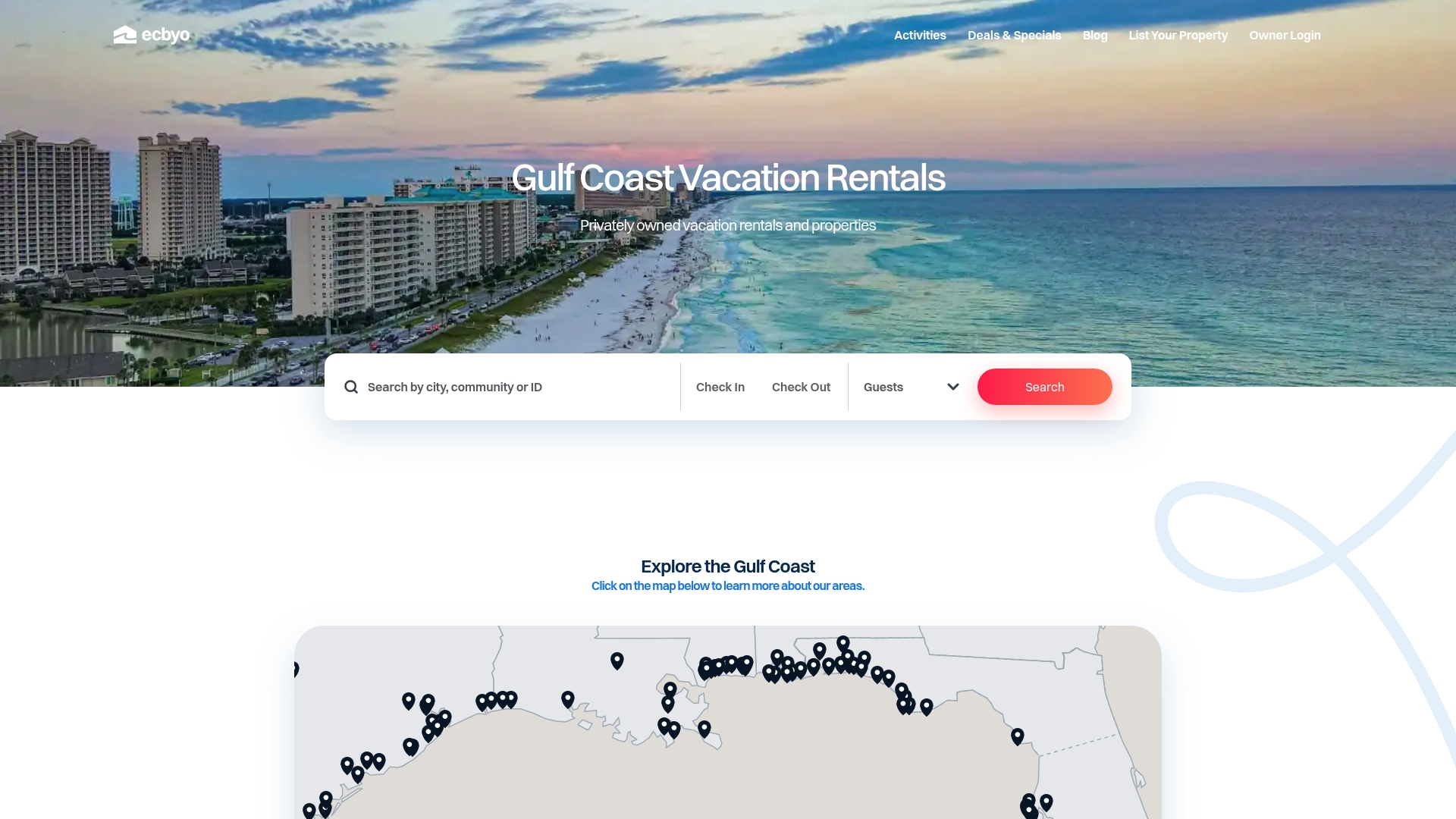
A shortlisting message can set expectations from the first click:
- Subject line: “Direct from the owner, no booking fees.”
- Line one: “Message us anytime before or during your stay.”
- Line two: “Check-in details arrive the week before arrival.”
Owners can list a property on Emerald Coast By Owner and start managing guest communication directly from day one.
Sources
The operational and legal points above draw on published guidance from VRMA and the FTC.
FAQ
Should booking confirmations be automated or sent manually?
Booking confirmations are one of the safest messages to automate since the content rarely changes. Pair the automation with a spot-check so a wrong date or address doesn’t go out unnoticed.
How do I word a review request without breaking guest review rights?
Ask for an honest review without any language that pressures a specific rating or penalizes a negative one. Contract terms that limit a guest’s right to post an honest review are unenforceable under FTC review-rights documentation.
What should a damage notice to a guest include?
A damage notice should reference dated photo or video documentation taken before and after the stay, describe the issue plainly, and state the next step, such as a repair estimate or a request for reimbursement.
How can guests spot a fake rental listing before booking?
Guests should verify the property address independently and avoid any host who requests wire transfers, gift cards, or cryptocurrency, which the FTC flags as common signs of a rental scam.
How often should owner update messages go out?
A monthly or seasonal cadence works for most properties, with immediate updates whenever a maintenance issue or booking change needs an owner’s attention. VRMA’s accreditation standards recommend documented, scheduled owner communication rather than ad hoc updates.
Recommended
- Avoid Fines and Booking Suspensions: Gulf Coast Rental Agreement
- Copy Ready Vacation Rental Cancellation Policies Hosts Can Use
- Avoid Lockouts: Gulf Coast Self Check In for Guests & Hosts
- Owners Under 30 Units: Capture Contacts to Win Direct Bookings vs OTAs

About the Author
Joe Godar of the Emerald Coast by Owner Editorial Team creates destination guides, vacation-planning resources, and local travel content focused exclusively on Gulf Coast vacation rentals.
Our team researches beach communities, vacation rental trends, family travel planning, local attractions, and direct-booking best practices across Florida, Alabama, Mississippi, Louisiana, and Texas. Every guide is written to help travelers make more informed booking decisions while avoiding unnecessary third-party guest service fees.
Since launching in 2016, Emerald Coast by Owner has helped connect travelers directly with verified vacation rental hosts across the Gulf Coast.
This article was reviewed for accuracy and updated using local destination research and current vacation rental market insights.


